Description
If you’re registering more than one person, select the number of attendees in your group. For e.g., if your group has 3 attendees choose a quantity of 3 tickets, and so on..
Once a group is purchased, you will be able to add your team members under My Account > Team menu
If you have a Discount Code:
⚈ For desktop devices, on the checkout page, you’ll see a text called “Have a coupon…” in the top right of the page.
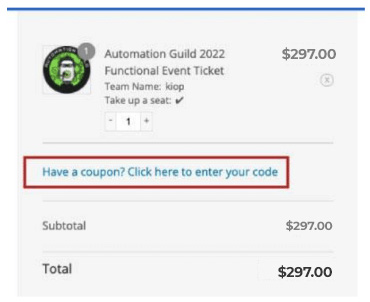
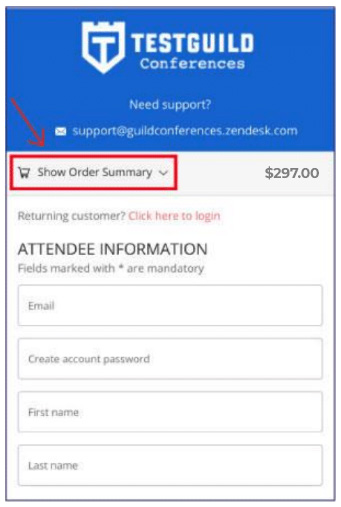
⚈ For mobile devices, on the checkout page, click on the “Show Order Summary” dropdown to see the coupon field.